


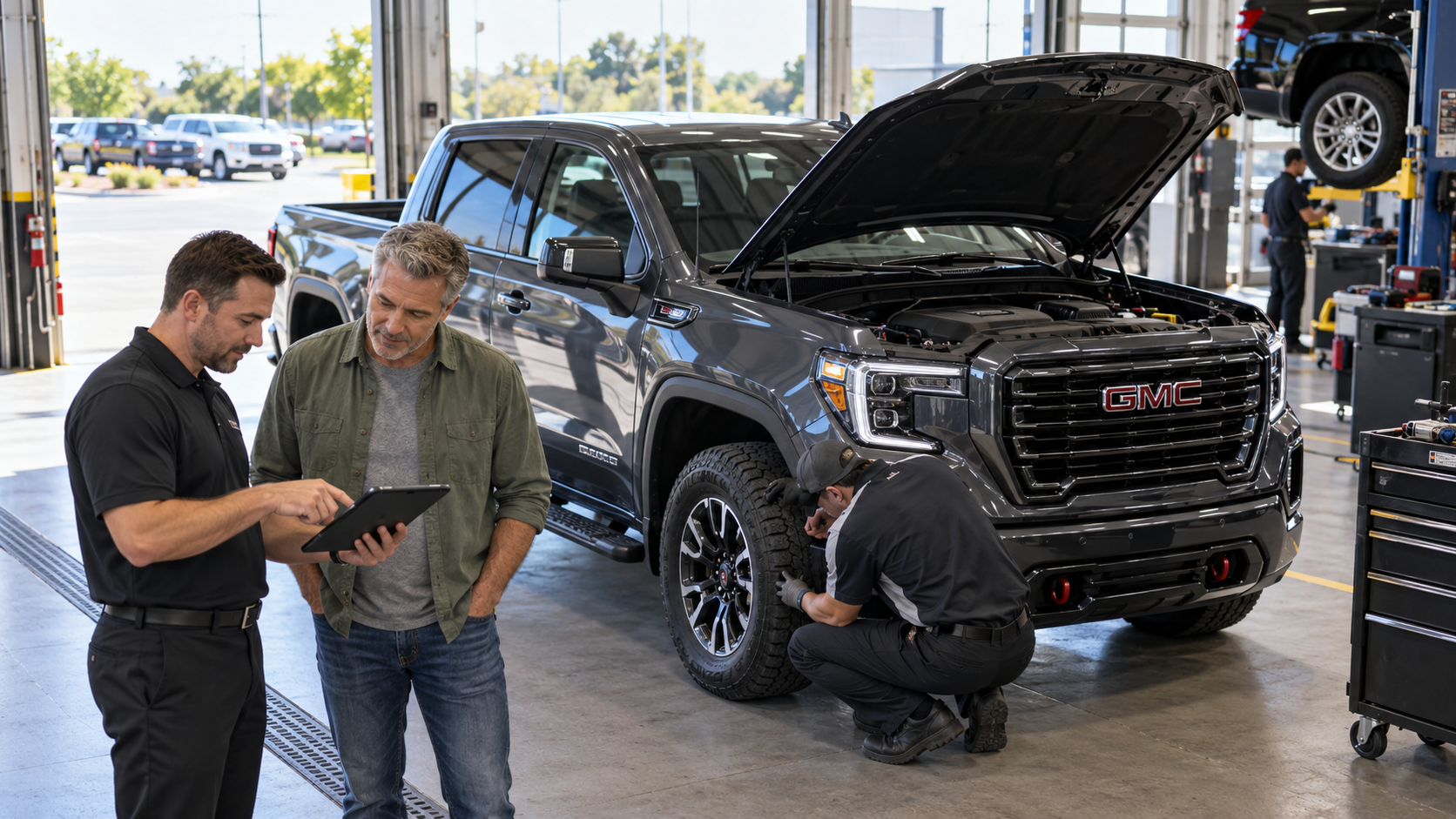
What to Expect GMC Service Appointment Guide for Your Visit What to expect GMC service appointment guidance should make each part of your visit easier to follow. A clear visit begins with a clear request. It continues through check in, inspection, approval, updates, and pickup. Therefore, each step should tell you what is happening and what comes next. Start With a Clear Service Request What should the service team know when you arrive? The advisor needs the requested work and a clear description of any concern. That starting record gives the technician a focused place to begin. Bring details about warning lights, noises, leaks, vibrations, or changes you have noticed. Additionally, explain when each issue appears. A noise during braking points toward a different check than a noise during turning. Therefore, timing and context can narrow the first inspection steps. Additionally, service history can add useful context. Records may show recent maintenance, replaced parts, or past repairs tied to the same concern. In addition, those details can prevent duplicate work or repeated testing. The advisor should also confirm how the service team can reach you. A phone call or text may be needed later. Therefore, make sure the preferred contact method is correct before you leave. A GMC service visit works best when the starting request is specific. You do not need technical terms. Instead, describe what you noticed and when it happens. Understand What Happens After Check In Why can two appointments take different amounts of time? Routine maintenance and diagnostic work move through different service paths. Therefore, the original request shapes what happens after check in. An oil change follows a known sequence. The technician drains the old oil, replaces the filter, adds fresh oil, and checks related items. Additionally, another scheduled service may follow its own defined procedure. A warning light can require more testing. The technician may scan for fault codes and inspect related parts. However, a code alone may not identify the repair. More testing may be needed before the cause is clear. Moreover, parts can change the timeline. A needed component may not be on hand. In addition, another repair may require more labor than the first estimate allowed. For this reason, the appointment time should be viewed as the start of the service process. It is not a fixed finish time. Clear updates become more important when the original timeline changes. Know What a GMC Inspection Can Find What does the technician review beyond the original request? A multipoint inspection checks several areas that may need attention now or later. Therefore, the inspection can reveal items outside the scheduled service. The inspection may include tires, brakes, fluid levels, the battery, wipers, and visible leaks. Additionally, the technician may note wear that does not require immediate work. That information supports future maintenance planning. A useful inspection report should separate current needs from items that can wait. It should also explain what the technician found. Therefore, the report becomes easier to discuss before added work begins. Common inspection points may include: Tire tread and air pressure can show whether the tires need service, rotation, or replacement. Brake measurements can show remaining pad material and whether more brake work needs attention soon. Fluid checks can identify low levels, leaks, or service needs tied to normal maintenance intervals. Battery testing can show charge level and cranking strength before a no start issue develops. A finding does not mean added work should begin without a conversation. Instead, the advisor should explain the concern and the proposed repair. You should also know the updated price before giving approval. Review Added Work Before Approving It What should you know before approving another repair? You should know what the technician found and what the proposed repair includes. The updated estimate should also be clear. A revised price can include parts, labor, shop charges, or other listed items. Therefore, ask what changed from the original request. The advisor should connect the new amount to the new repair. Diagnostic work may also create a new decision point. Testing can confirm a failed component or another source of the concern. Additionally, that result may change the work needed to complete the repair. Clear communication matters most when the repair scope changes. You should know whether the new work changes the pickup time. In addition, you should know whether the vehicle can be driven safely if the repair waits. The approval step gives you a chance to review the new information. Therefore, do not treat added work as automatic. Ask questions until the repair, cost, and timing are clear. Use Updates and Pickup to Close the Visit Clearly What should you know before taking your GMC home? You should know what work was completed and what the technician found. You should also know whether any item still needs attention. Useful updates should arrive when something changes. A new finding, delayed part, revised estimate, or new completion time can all require contact. Therefore, each update should explain what changed and what happens next. Before leaving, review the final paperwork and the work that was completed. The pickup conversation should close the loop from the first service request. Key pickup checks can include: Confirm that the final invoice matches the work you approved during the visit. Review inspection notes so you know which items were serviced and which items may need later attention. Ask whether any warning light, noise, or reported concern still needs further testing. Confirm the next suggested maintenance item and when the service team recommends checking it again. Additionally, ask for clarification if any line item is unclear. The final explanation should match the work listed on the invoice. Therefore, the pickup step should leave little room for uncertainty. A clear GMC service visit is not measured only by speed. Clear information at every handoff matters just as much. With that in mind, you should leave knowing what was requested, found, approved, and completed.
GMC Sierra for Work Towing Family and Daily Needs Guide
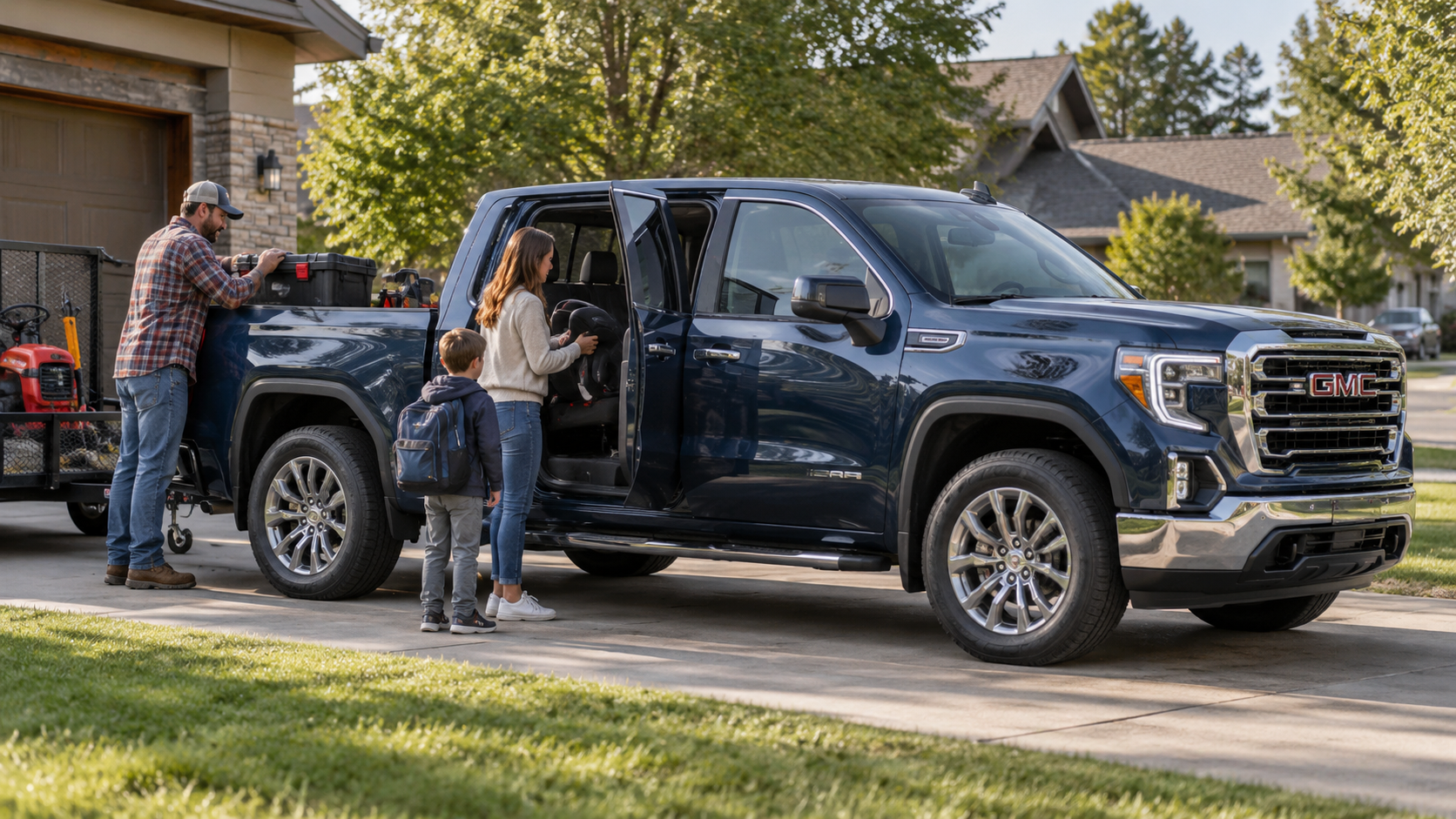
GMC Sierra for Work Towing Family and Daily Needs Guide GMC Sierra for work duties makes more sense when the truck matches what you carry, tow, and transport each week. A pickup can serve many roles, but every setup changes what the truck can handle. Additionally, each setup changes the tradeoffs. Therefore, start with your routine before you start comparing trims. Think about people, tools, trailer weight, bed cargo, and miles driven. Those details shape the cab, engine, bed, and drivetrain choices that fit your plan. Start With What the Truck Must Carry What do you regularly carry in the cab and bed? Start with people, tools, cargo, and trailer tongue weight. Those items all count toward the truck’s payload limit. Therefore, payload deserves attention before you focus on towing numbers. Therefore, GMC Sierra for work planning starts with payload. Payload measures the weight the truck carries on itself. That includes passengers, bed cargo, accessories, and trailer tongue weight. As a result, a heavily loaded bed can reduce how much weight remains for people or hitch load. Additionally, the exact Sierra rating changes with cab style, bed length, engine, drivetrain, and installed equipment. Therefore, the door label on the truck matters more than a broad maximum number. That label gives you a closer figure for the specific truck in front of you. With that in mind, list the tools, materials, or jobsite gear that usually rides in the bed. Then add the people who normally ride in the cab. That simple exercise gives you a clearer starting point before trim shopping. Match the Sierra to the Work You Do Which Sierra layout fits regular work tasks? GMC Sierra for work tasks can require different cab and bed choices. The answer comes from cab space, bed length, and the weight you carry. Each choice changes how the truck fits jobsite use. For this reason, a Regular Cab can favor bed space and payload for drivers who rarely carry rear passengers. A Double Cab adds rear seating while keeping a more compact cabin. By contrast, a Crew Cab gives rear passengers much more room. Additionally, bed length matters for tools and materials. A shorter bed can make parking and garage fit easier. A longer bed gives more floor length for lumber, equipment, and bulky cargo. Therefore, choose bed space by the items you move most. Use these work questions before choosing a Sierra setup: Measure the longest tools or materials you carry so the bed length fits your normal load. Count how many people ride with you so the cab layout matches your crew or family. Estimate tool and cargo weight so the truck’s payload rating covers your regular load. Check whether four wheel drive matters for worksites, gravel roads, fields, or winter travel. In addition, think about how frequently the truck switches roles. A truck used for work all week may need a different setup from one used occasionally. The best fit comes from matching the hardware to the tasks you repeat. Build Around the Trailer You Own How much Sierra do you need for your trailer? GMC Sierra for work and towing duties should start with loaded trailer weight. Then compare that weight with the exact truck’s trailering rating. The 2026 Sierra 1500 can reach a maximum trailering rating of 13,300 pounds in a specific setup. However, not every Sierra 1500 carries that rating. Engine, cab, bed, drivetrain, axle setup, and trailering equipment all matter. Moreover, tongue weight matters because it presses down on the truck. That weight counts against payload. Therefore, a truck can reach its payload limit before it reaches a headline trailer number. Therefore, engine choice should follow the trailer and the miles you expect to tow. The Sierra lineup includes TurboMax, 5.3 liter V8, 6.2 liter V8, and 3.0 liter Duramax diesel choices. Each one brings a different mix of torque, fuel use, and available ratings. Before choosing a towing setup, check these items: Use the trailer’s loaded weight, including cargo, water, equipment, and supplies. Check the exact truck’s trailering label instead of relying on the lineup maximum. Include tongue weight when calculating how much payload remains for people and bed cargo. Match hitch type and trailering equipment to the trailer you plan to pull. For this reason, towing research should start with your trailer first. Once you know its loaded weight, Sierra configurations become easier to narrow. Decide How Much Family Space You Need Will your Sierra carry people as much as it carries gear? A GMC Sierra for work can still serve family travel well. If rear passengers ride regularly, cab choice deserves the same attention as engine choice. GMC lists 43.40 inches of second row legroom in Crew Cab models. Double Cab models list 35.24 inches. That gap matters when adults, teenagers, or child seats use the rear row. Additionally, a Crew Cab gives more space for legs, bags, and child seat access. However, you should still check the exact bed pairing you want. Cab and bed choices work together, so one decision can narrow another. Bring the family items you use most when you compare trucks. A child seat, stroller, sports bag, or work backpack can reveal cabin space quickly. In addition, open the rear doors and test entry space before deciding. Moreover, family duty also changes how you think about storage. Small items, charging cords, jackets, and travel bags need places inside the cab. Therefore, cabin layout matters even when the bed handles larger gear. Know When Denali Fits the Routine Does Denali equipment match the way you spend time in the truck? GMC Sierra for work and family use can still make Denali relevant. Denali makes sense when cabin comfort and technology matter alongside truck duties. In addition, the Sierra Denali adds upgraded seating, distinct interior materials, and available Super Cruise. It also keeps useful truck choices, including two wheel drive or four wheel drive. Therefore, it can suit drivers who split time between work, travel, and family trips. However, Denali should not replace the configuration check. Start with cab, bed, drivetrain, payload, and trailer needs first. Then decide whether the added cabin equipment fits the time you spend behind the wheel. Use these questions when Denali is on your list: Decide whether advanced cabin technology matters during long commutes or highway trips. Check whether the Denali cab and bed pairing fits the cargo you carry most. Compare the exact towing rating with your trailer instead of assuming trim level sets the limit. Sit in both rows and test storage so the cabin fits work items and family gear. Therefore, GMC Sierra for work use can also cover towing and family travel in the same week. The right setup comes from matching numbers to your routine. Start with what you carry, what you tow, and who rides with you. Then choose the cab, bed, engine, drivetrain, and trim that support those tasks.